

Chromodio – Record Tab Audio
- Other
- Screens
- 1
- Upvotes
- 0
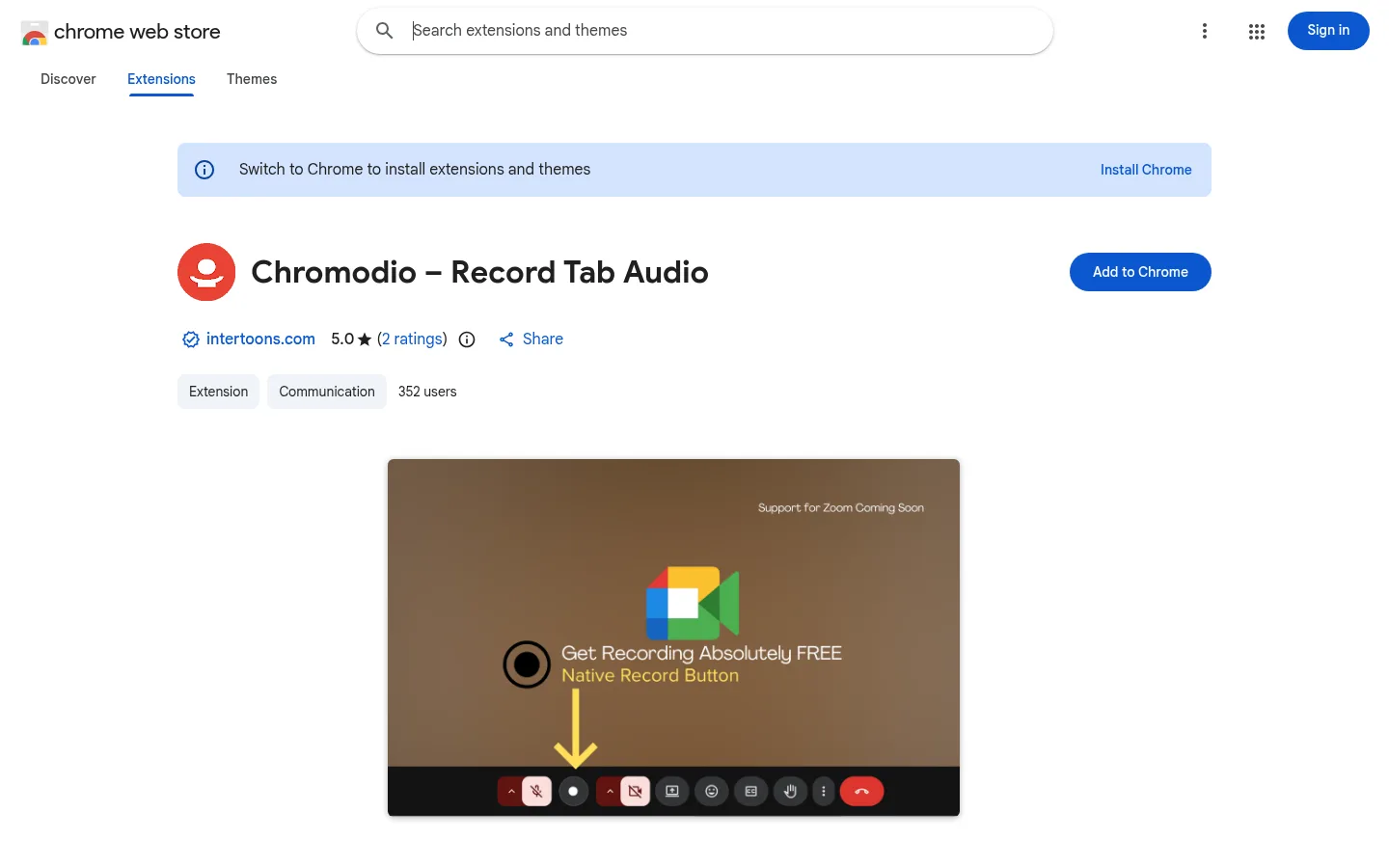
A Manifest V3 Chrome extension for recording Google Meet, YouTube and other tab audio locally, with optional microphone mixing via the Web Audio API. It's built for privacy-focused users and saves .webm files with no cloud uploads or login.
The Challenge
Recording a Google Meet call or other browser audio often means complicated setups, separate desktop software, or cloud services that upload conversations to someone else's servers. For people handling client calls, interviews, internal reviews or learning sessions, that raises privacy concerns and adds friction to what should be a simple task. The goal was a lightweight way to capture tab audio directly on the user's own device. It needed no login, no subscription and no background tracking, and it had to produce clean audio files that work well in later transcription workflows.
Our Approach
We built Chromodio as a focused Chrome extension that does one job well. Every design decision kept recording local: no servers, no uploads and no account creation. The workflow is reduced to four steps: join the call, click Record, click Stop, and save the file. The extension captures audio from the active tab, whether that is Google Meet, YouTube or another site. Users can optionally mix in their microphone so both sides of a conversation are recorded. The output is a standard .webm audio file that users can keep for their records or pass to transcription tools such as Whisper.
What We Built
- One-click recording controls for capturing tab audio from Google Meet, YouTube and other sites
- Optional microphone mixing to record the user's voice alongside tab audio
- A live recording timer so users always know how long they have been recording
- Instant local save as a .webm audio file, with no cloud upload
- No login or setup required. The extension works immediately after installation
- A published Chrome Web Store listing with clear privacy and support information
Case study
More about this project
Technology
Chromodio is built with JavaScript, HTML5 and CSS3 as a Chrome Extension on Manifest V3, which is the current extension platform Chrome requires for new submissions. Chrome APIs give the extension controlled access to tab audio inside the browser, so users do not need separate recording software. The Web Audio API combines the tab stream with the optional microphone input. The MediaRecorder API encodes the result directly into a .webm file on the user's machine. Because the whole pipeline runs in the browser with native web technologies, the extension stays lightweight and needs no backend infrastructure. This is how it delivers its central promise that recordings never leave the user's system.
Project details
- Type
- Other
- Industry
- Technology & SaaS
- Country
 India
- Year
- 2026
- Team
- Abhilash Sivaraman
- Live site
- chromewebstore.google.com
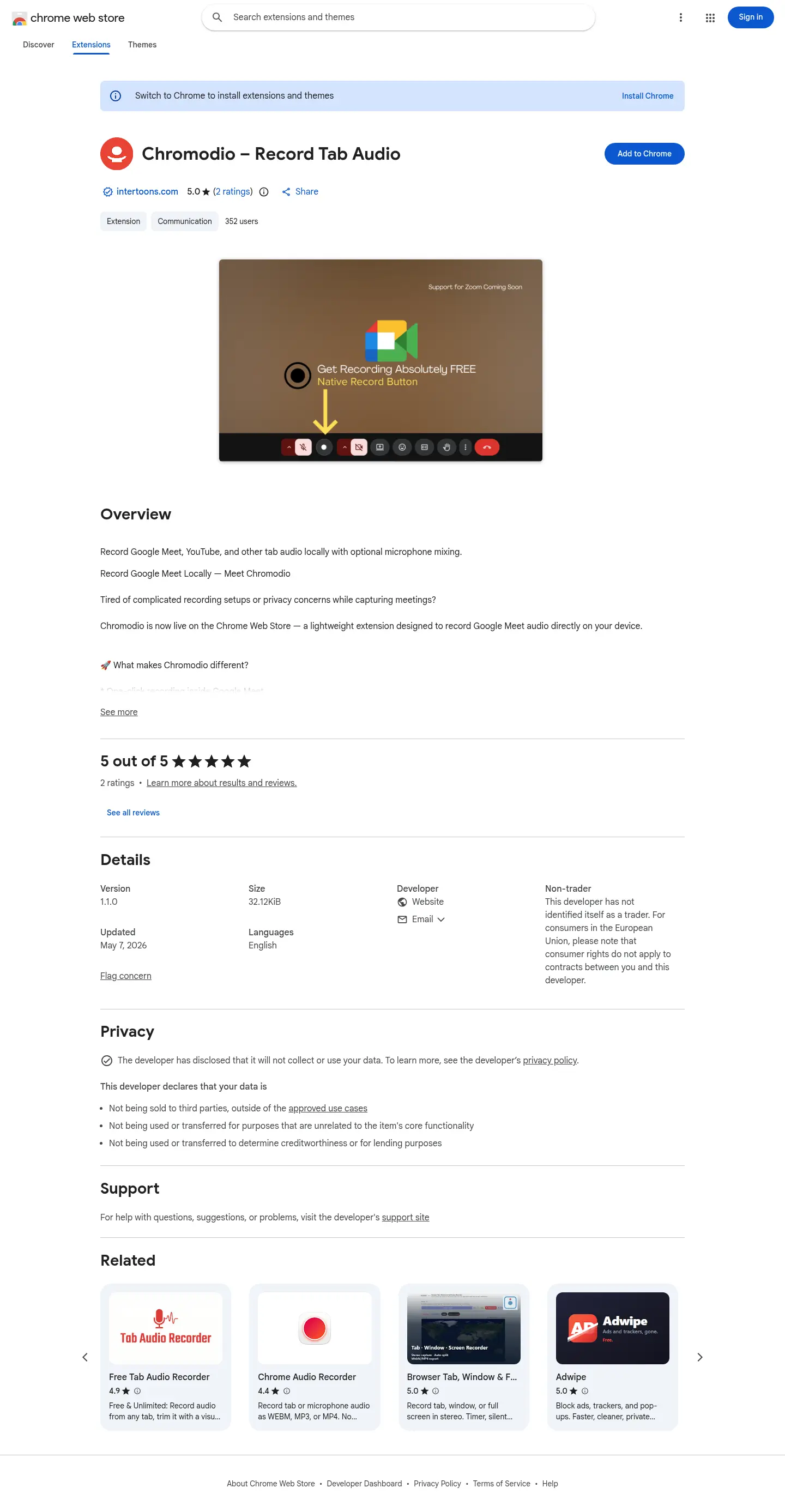
Full page preview
Scroll to explore the whole page.
Quick answers
- What is Chromodio – Record Tab Audio?
- Chromodio is a Chrome extension built by Intertoons that records audio from Google Meet, YouTube and other browser tabs directly on the user's device. It saves recordings as .webm audio files.
- Does Chromodio upload recordings to the cloud?
- No, Chromodio records 100% locally, with no cloud uploads, no servers and no login required. It is designed for privacy-focused users whose audio should never leave their system.
- Can Chromodio record my microphone along with tab audio?
- Yes, Chromodio offers optional microphone mixing using the Web Audio API, so your voice can be captured together with the tab audio in a single recording.
- What technologies were used to build Chromodio?
- Chromodio is built with JavaScript, HTML5 and CSS3 as a Chrome Extension Manifest V3 project. It uses Chrome APIs, the MediaRecorder API and the Web Audio API.
- What is Chromodio useful for?
- Chromodio suits client calls, interviews, team standups, webinars and learning sessions, and it produces local audio ready for transcription tools like Whisper. Recording takes one click, and a live timer shows elapsed time.
- What is Chromodio – Record Tab Audio?
- Chromodio – Record Tab Audio is a other. A Manifest V3 Chrome extension for recording Google Meet, YouTube and other tab audio locally, with optional microphone mixing via the Web Audio API. It's built for privacy-focused users and saves .webm files with no cloud uploads or login.
- What technologies were used to build Chromodio – Record Tab Audio?
- Chromodio – Record Tab Audio was built with JavaScript, HTML5, CSS3, Chrome Extension Manifest V3, Chrome APIs, MediaRecorder API, Web Audio API.
- Who built Chromodio – Record Tab Audio?
- Chromodio – Record Tab Audio was designed and built by Abhilash Sivaraman.
- Where can I see Chromodio – Record Tab Audio live?
- You can visit Chromodio – Record Tab Audio at https://chromewebstore.google.com/detail/chromodio-%E2%80%93-record-tab-au/nlbheibnfcdogdopljfhliifkfcknpcj?authuser=0&hl=en.
- When was Chromodio – Record Tab Audio built?
- Chromodio – Record Tab Audio was built in 2026.
Want something like Chromodio – Record Tab Audio?
Tell us about your project and we’ll reply with a clear plan, a timeline and a tailored quote.
More projects
 OtherTechnology & SaaS2026
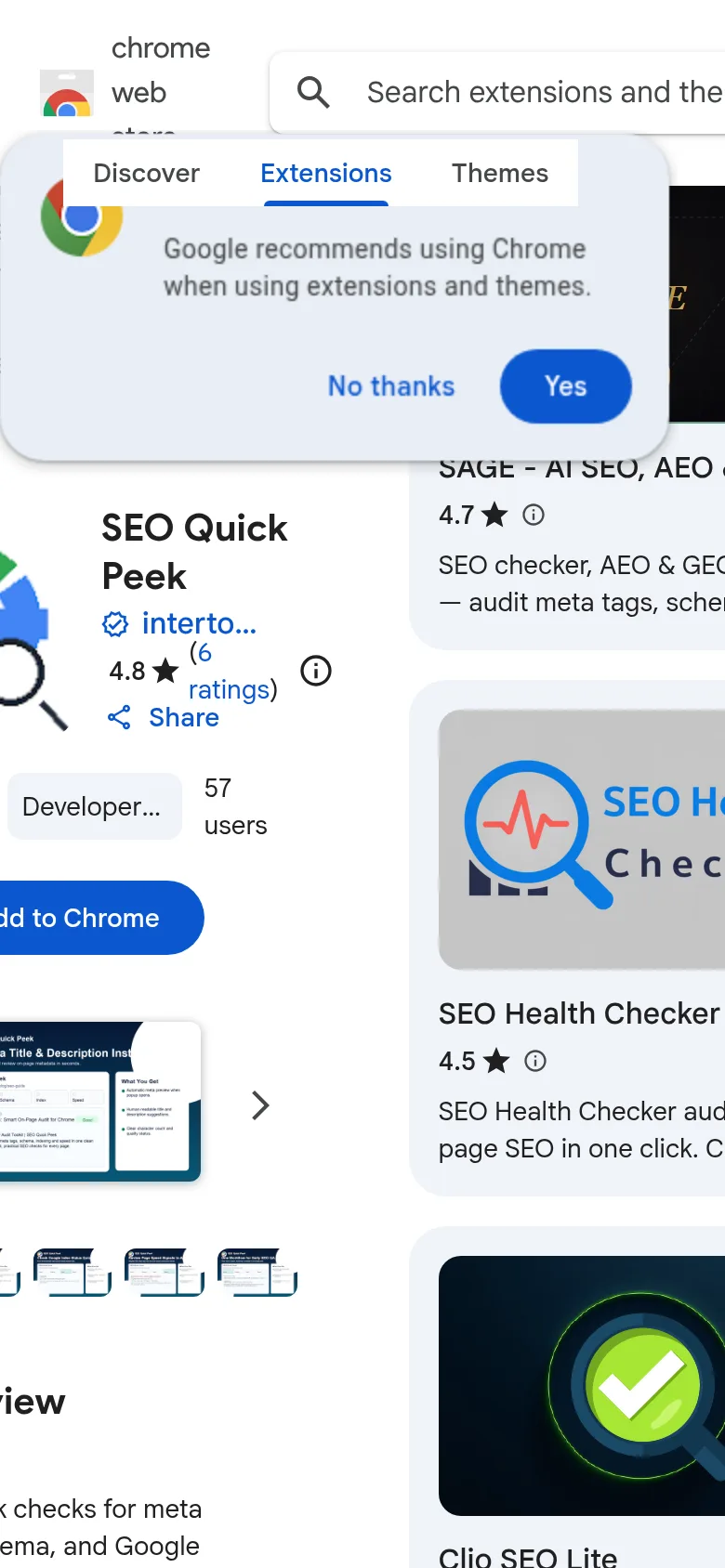
SEO Quick Peek
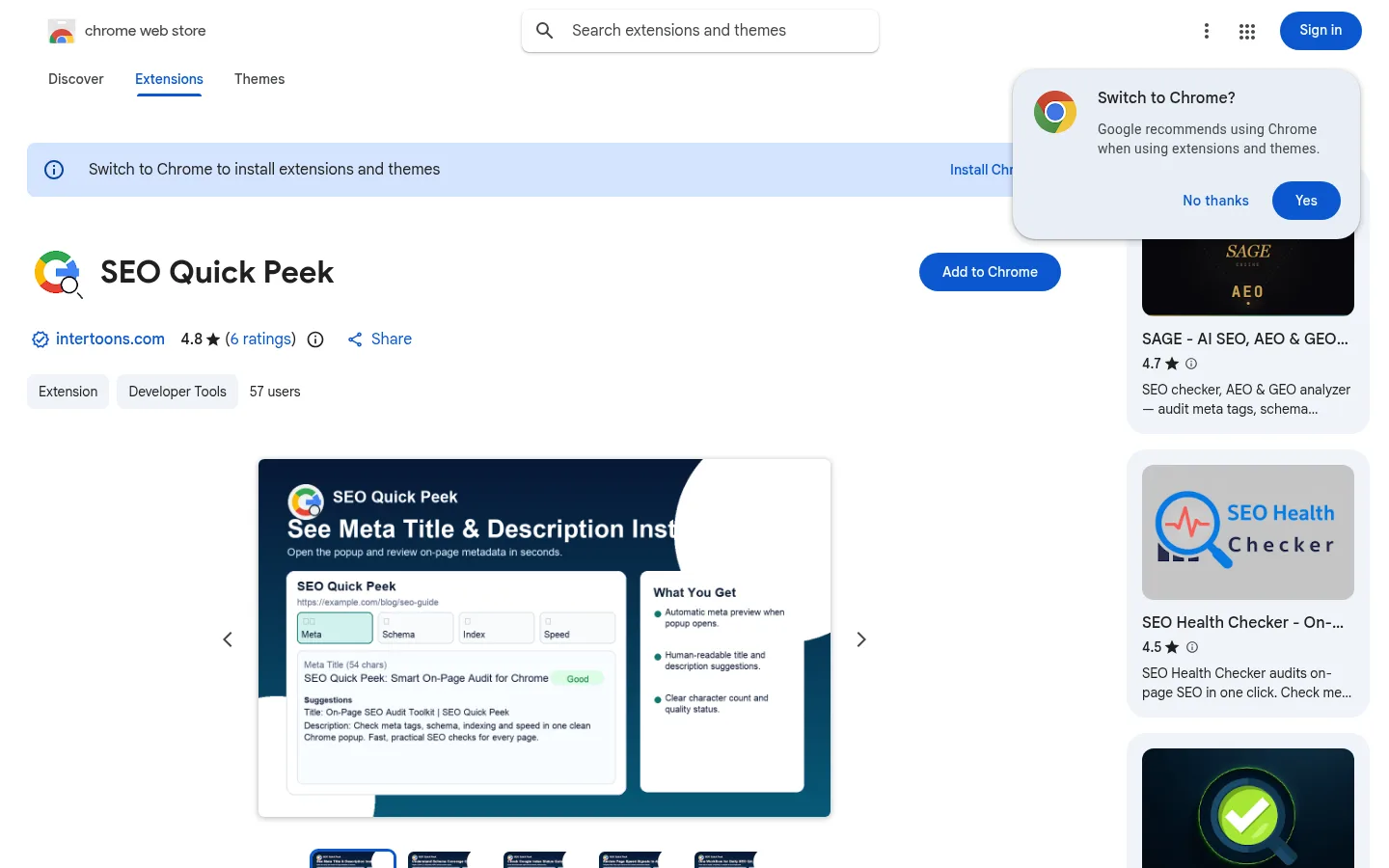
SEO Quick Peek is a Chrome extension for SEO specialists, marketers and developers that checks meta tags, schema markup and Google index status in one click, with Web Vitals signals, SERP previews and a Live Fix mode that highlights issues on the page.
- JavaScript
- HTML5
- CSS3
- Chrome Extension APIs
- DOM API
- JSON


 OtherTechnology & SaaS2026
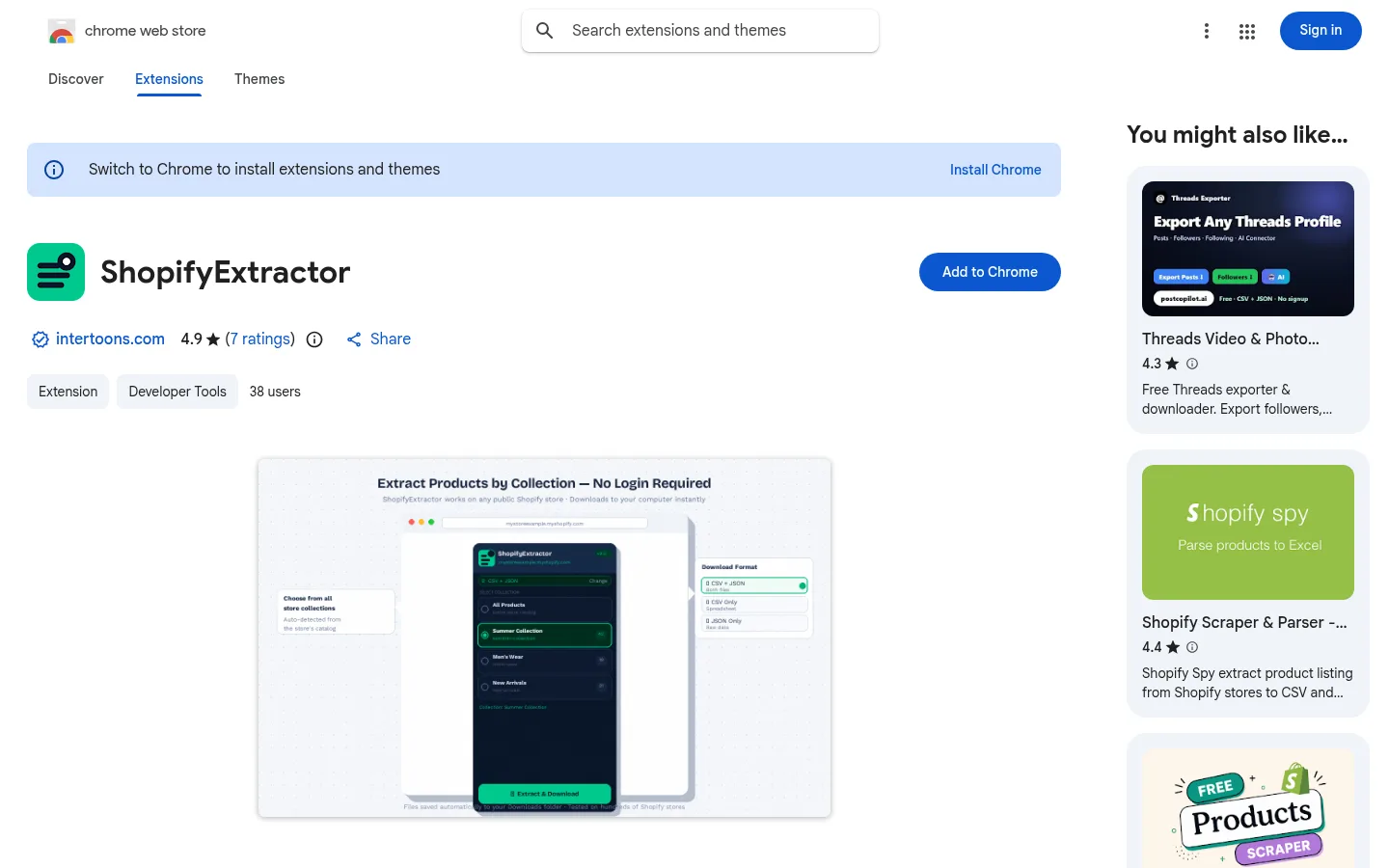
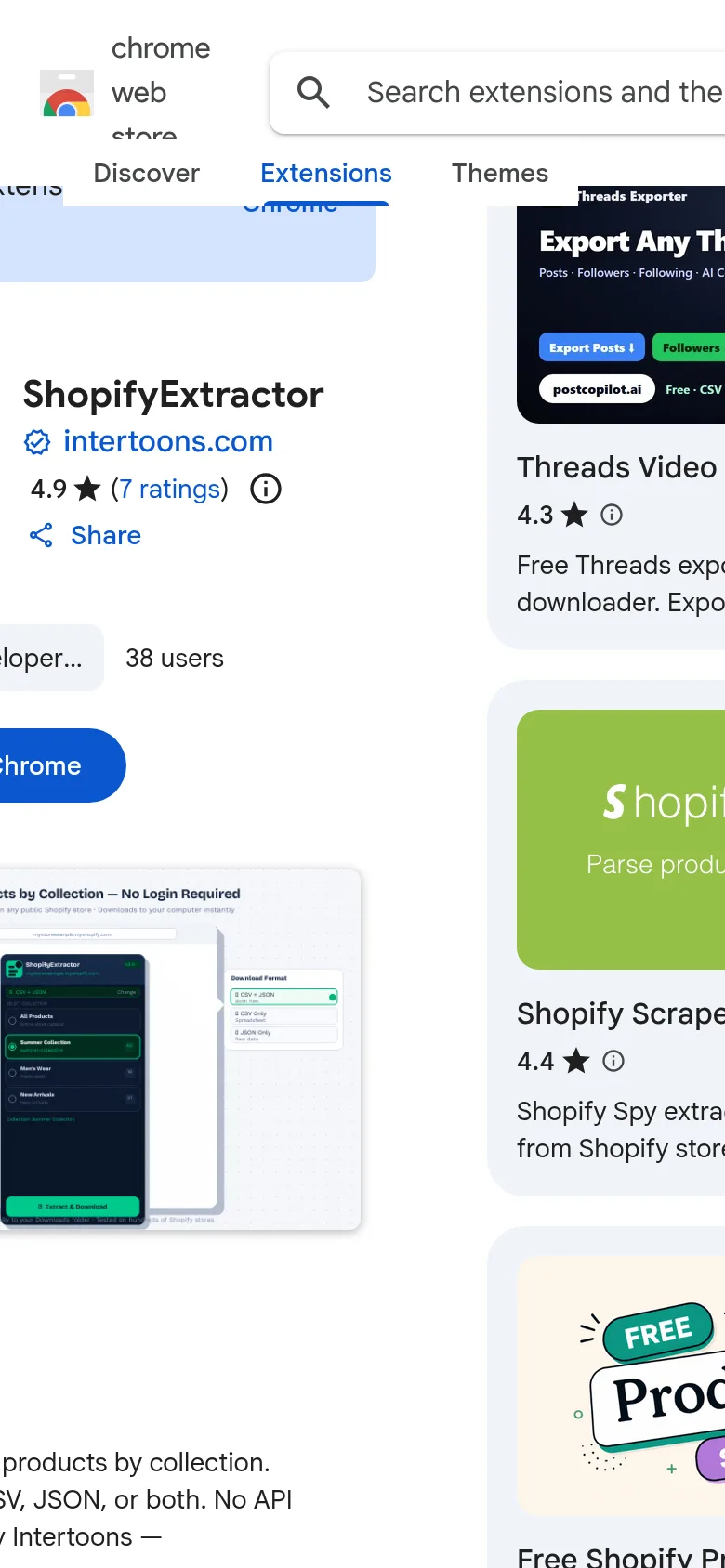
ShopifyExtractor
ShopifyExtractor is a Chrome extension by Intertoons that exports products from any public Shopify store by collection. It downloads import-ready CSV and full JSON data with variants and images, and it needs no API keys.
- HTML
- CSS3
- JavaScript
 Website2026
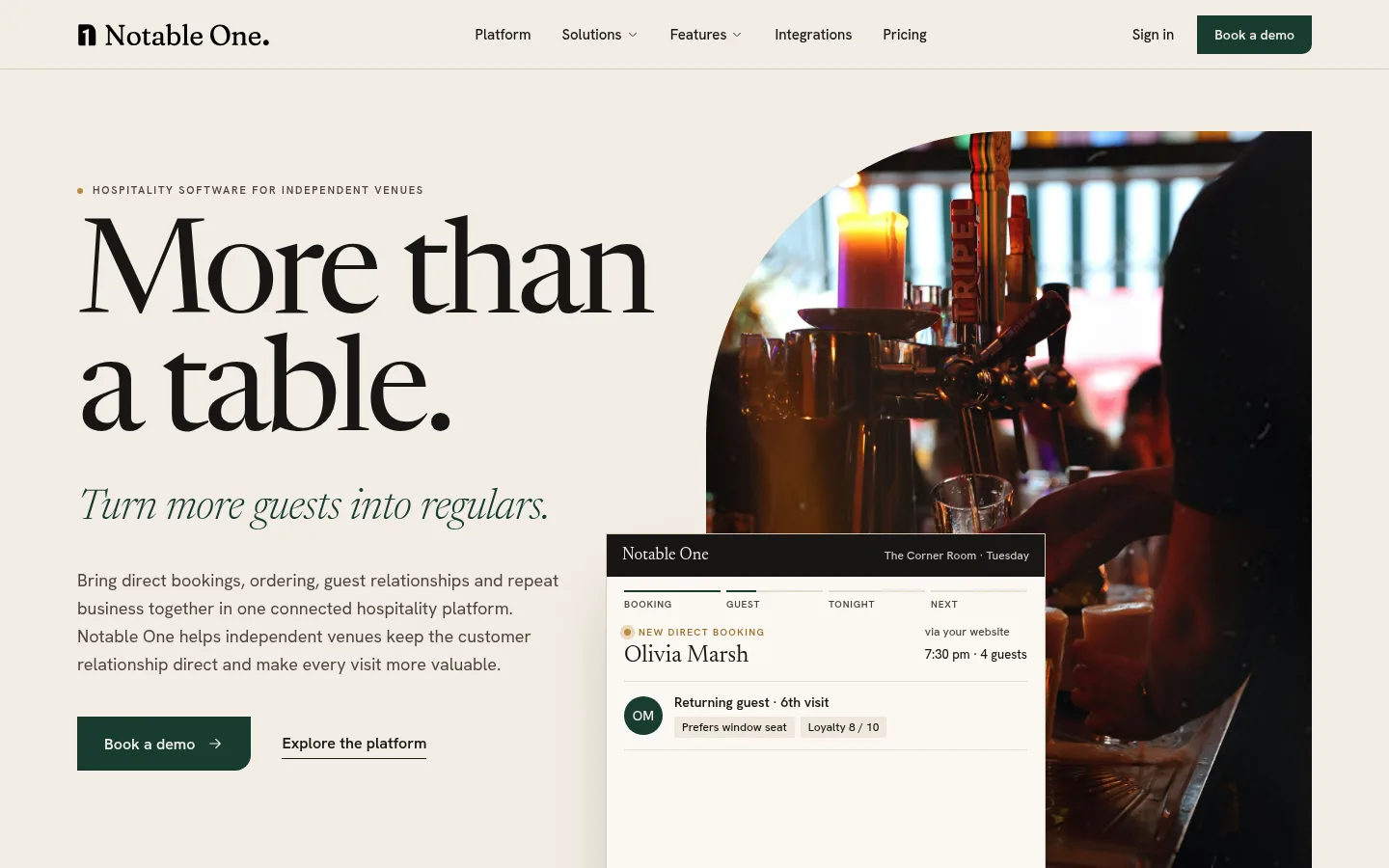
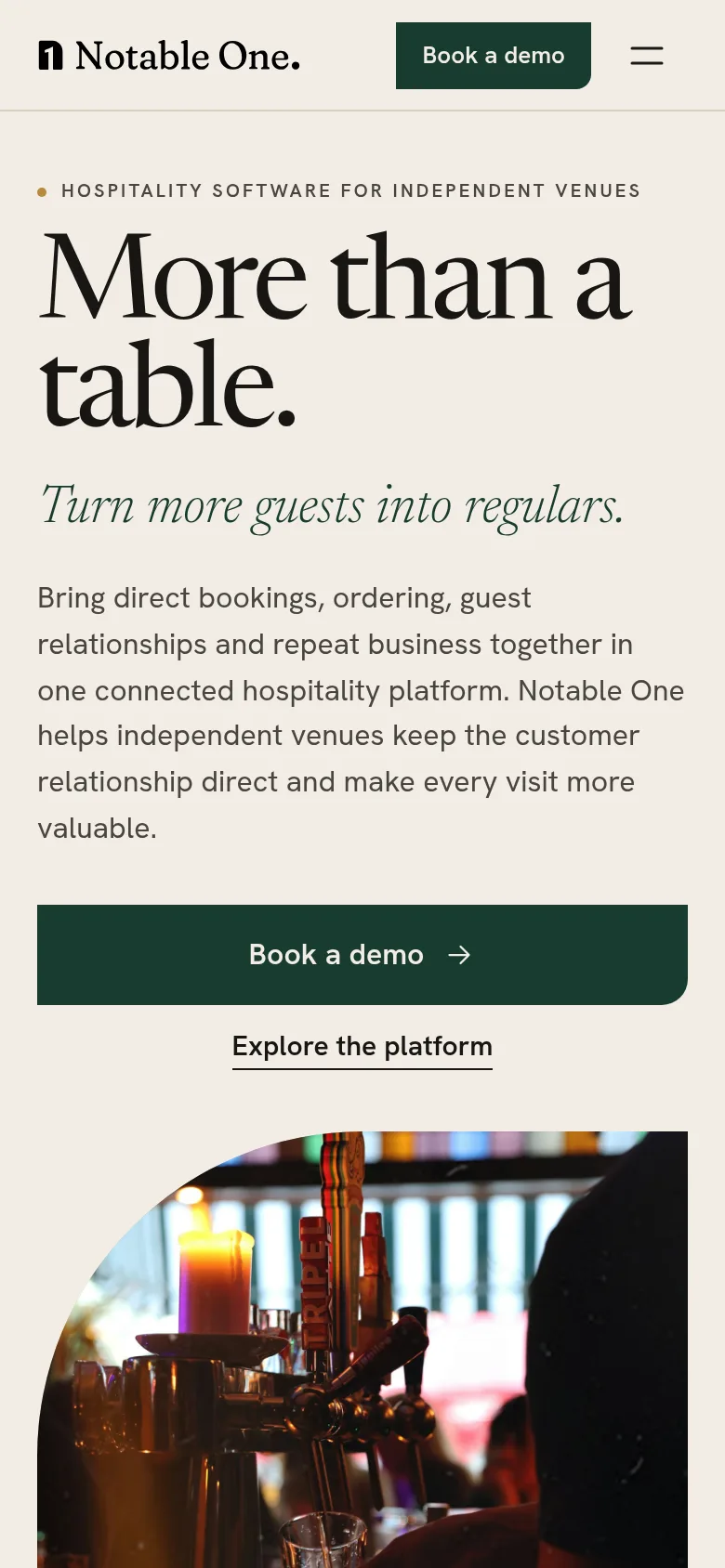
Notable One
Website for Notable One, a hospitality platform for independent cafés, restaurants and bars, presenting bookings, ordering, guest CRM and loyalty as one connected journey, with a live-style example venue dashboard showing returning guests and loyalty.
 NodeJS
- posgres
 Supabase
 ReactJS
 Tailwind
 TypeScript
- +2